Do I have to send you my customers’ drawings?
Not to try it: start on the sample request. When you quote your own work, drawings are stored privately and seen only through your team’s signed-in accounts. Turn AI off for any request, or for every request from a customer, and nothing in it is sent to a model.
Can QuoteSooner read my inbox?
No. Connecting Gmail or Outlook on the Shop plan asks for permission to send email and identify your account. It never reads your inbox.
Who sets the price?
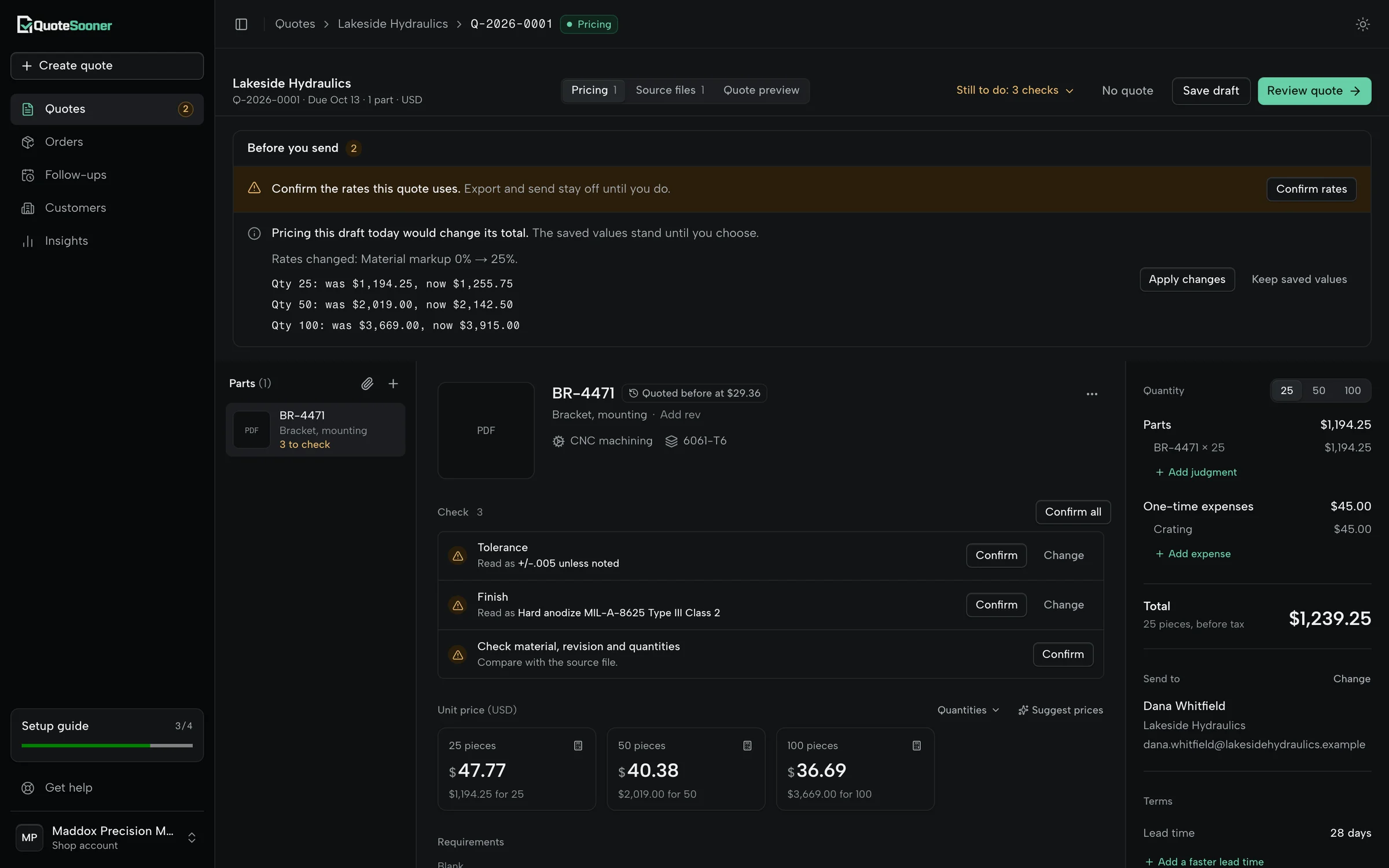
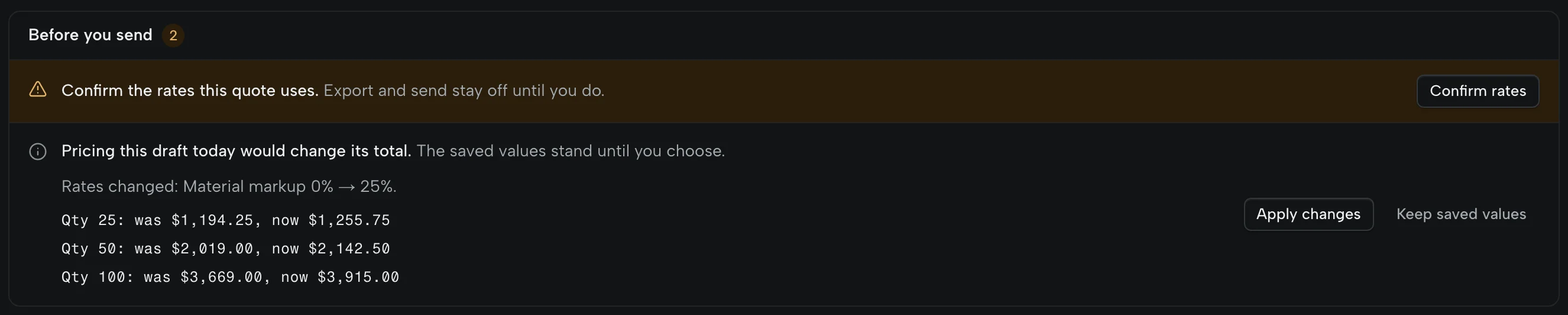
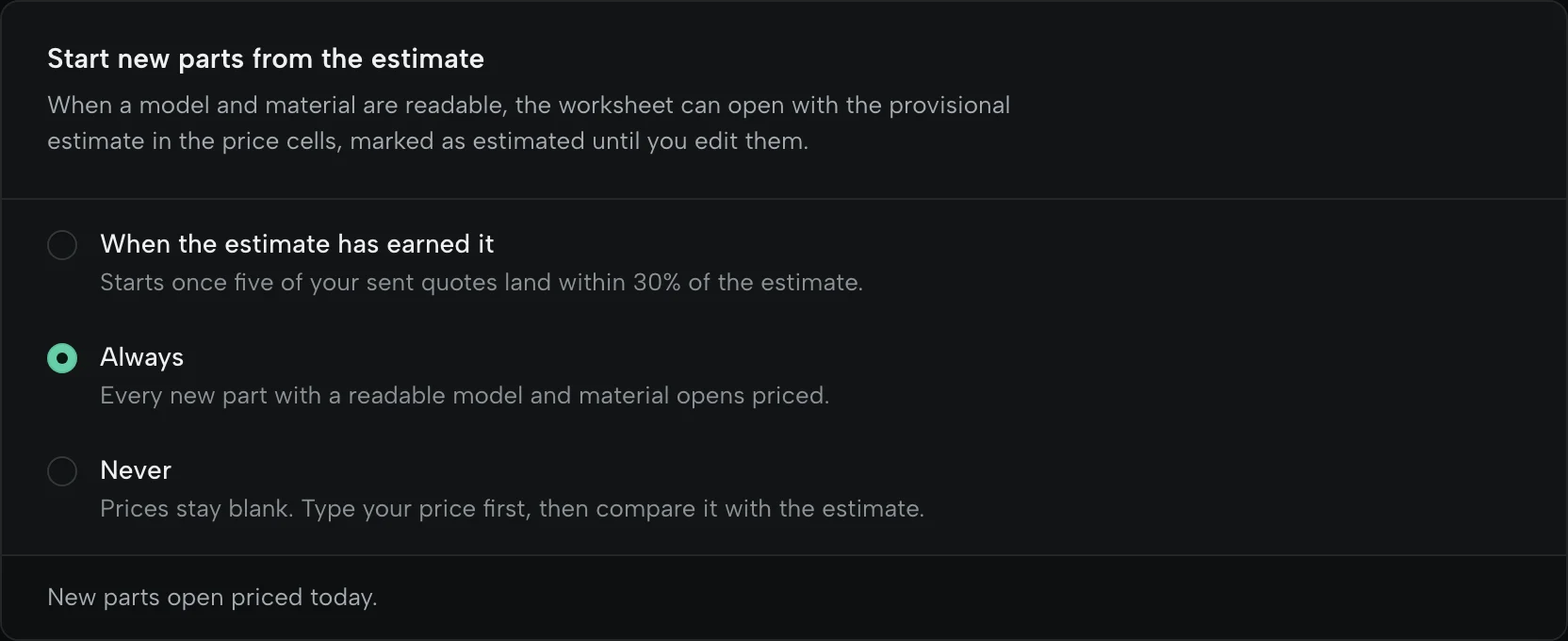
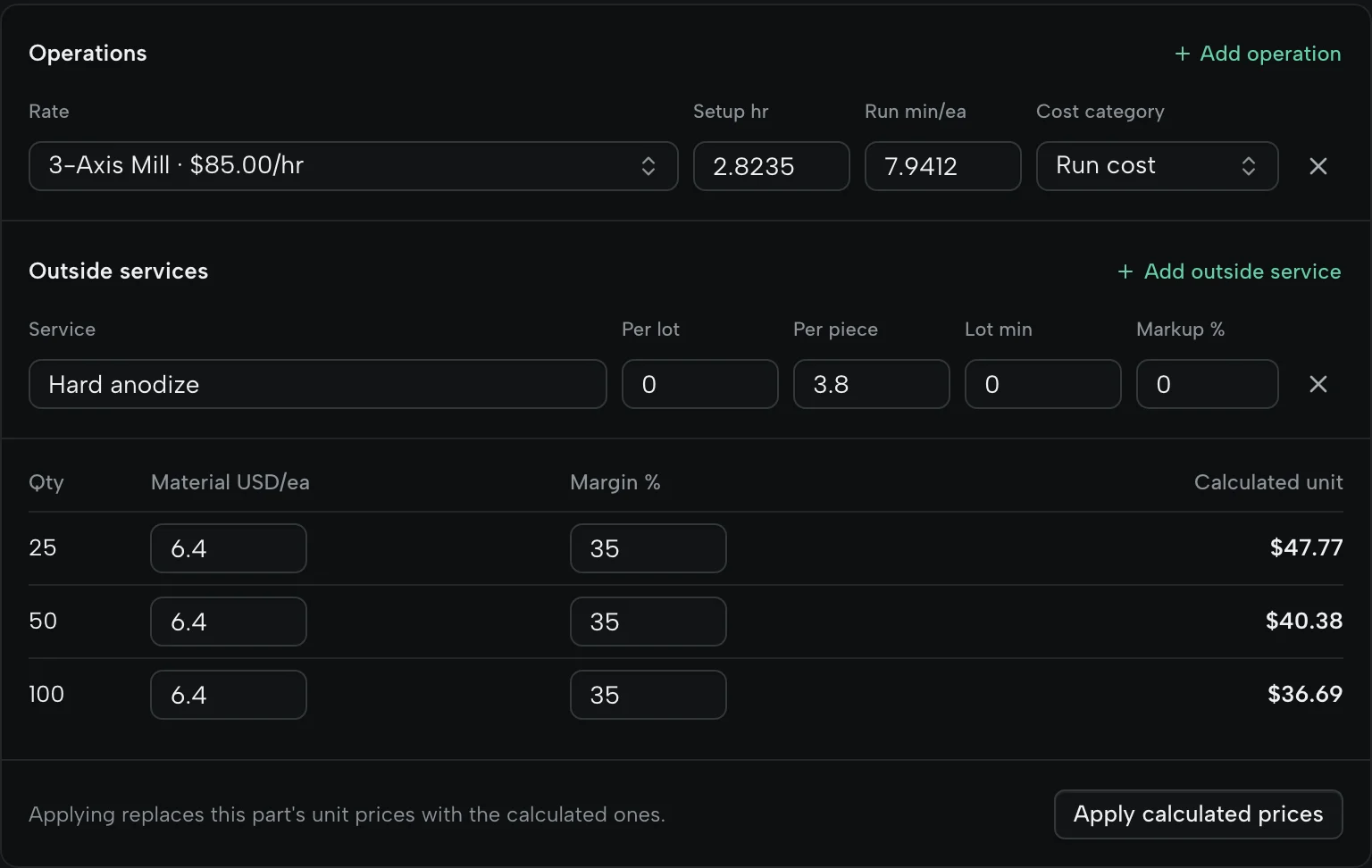
You do, from your rates. A starting price from your rates and the part’s geometry fills in only when you switch that on, or once its estimates have matched quotes you actually sent. It is marked as an estimate, you can change it, and nothing goes out until you approve it.
Does it remember what I charged last time?
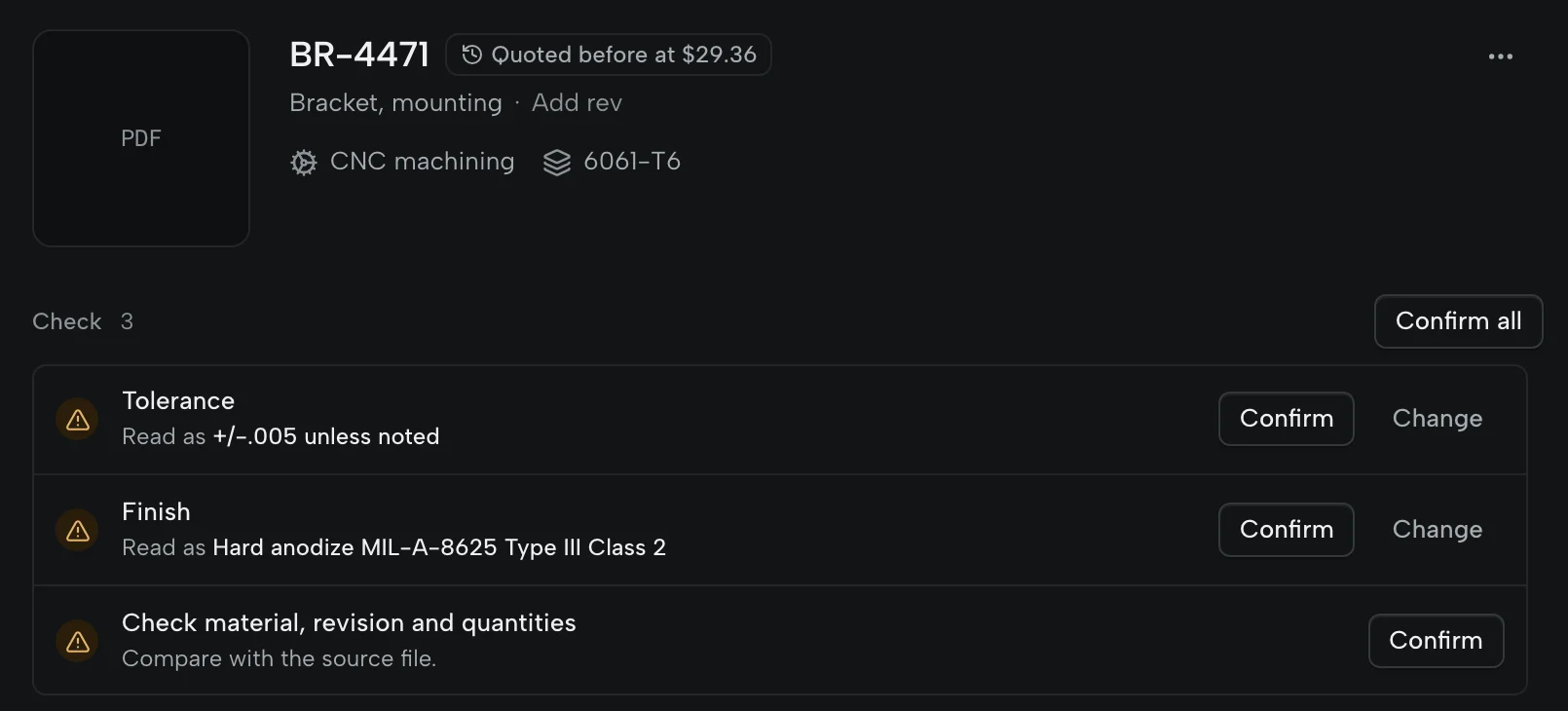
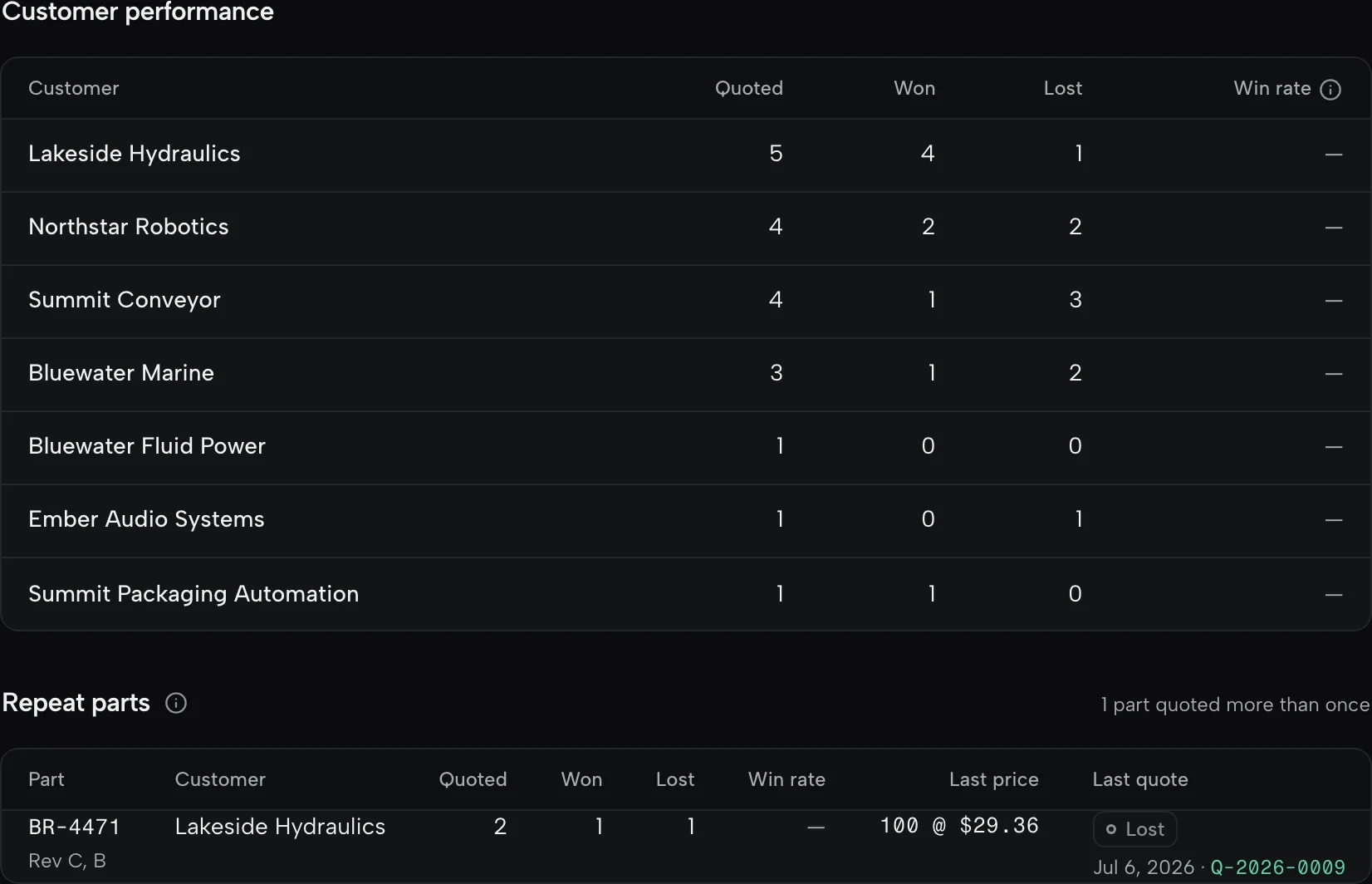
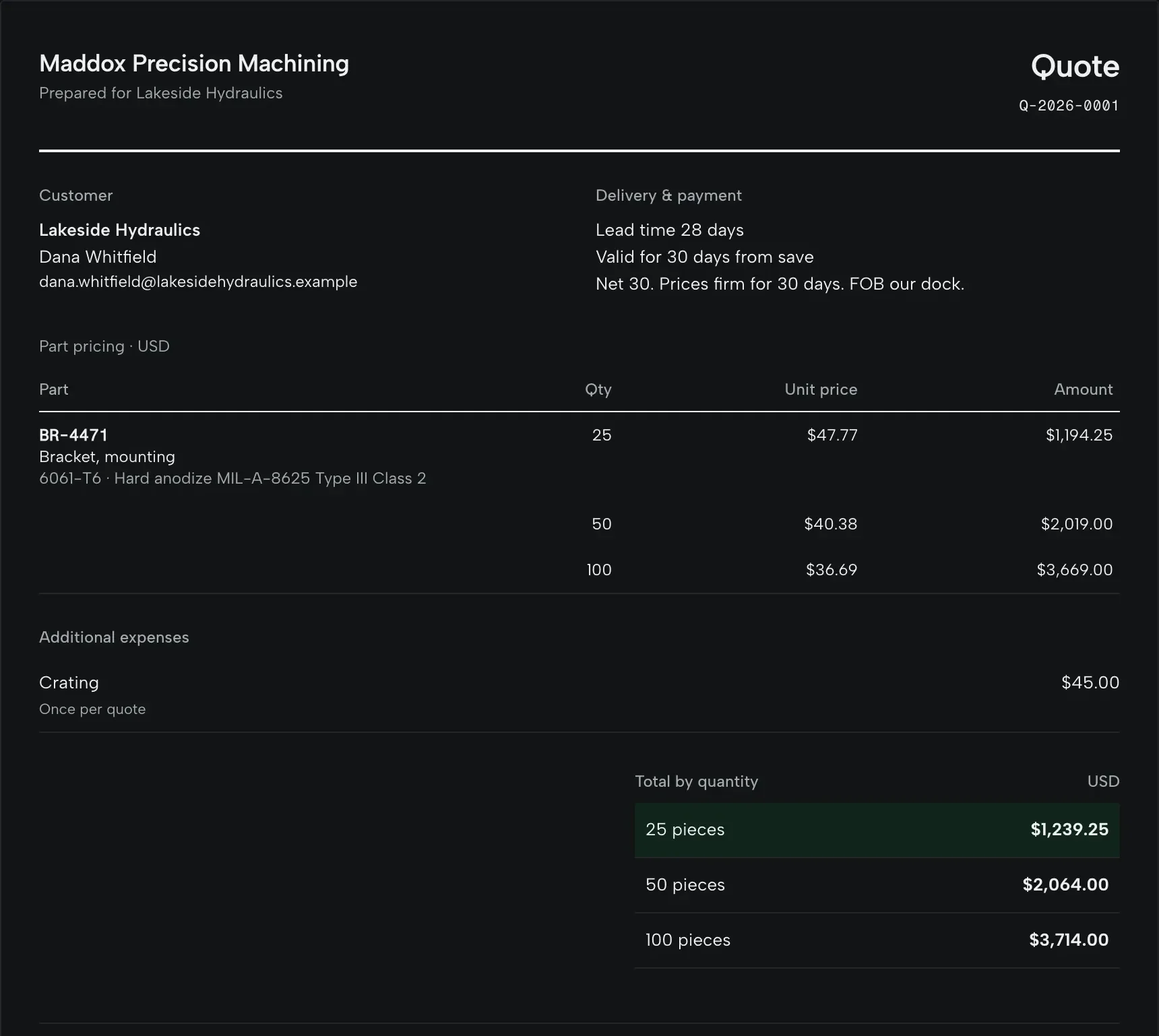
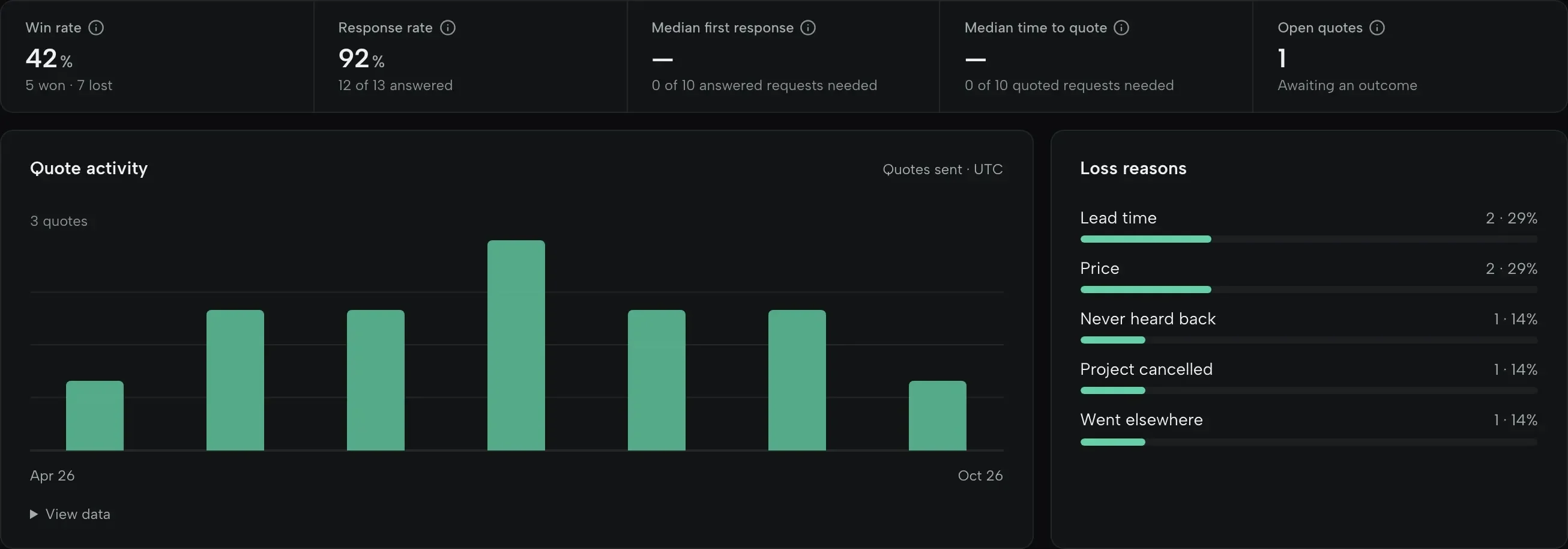
Yes. When a part comes back, the price you sent before is shown on it. Revise a sent quote as a new revision, mark it won or lost with a reason, and the next quote starts from that history.
Do I need a CAD model?
No. PDF drawings and the customer’s requirements are enough. When a STEP or IGES file comes with the RFQ, it opens in 3D beside the drawing and its holes, pockets and setups are measured for you.
Can it quote finish machining on castings or customer-supplied material?
Yes. Mark the part as a casting or forging, or as customer-supplied, and material comes off the price. A casting is never priced as if it were cut from bar: you price the machining from your rates.
What about defense-controlled or export-restricted work?
It is outside what QuoteSooner is for. Please don’t upload controlled drawings.